


image

How to join Seemeo

Welcome to SEEMEO


Today, I will guide you through the account registration process.

1. Click on the Pricing button on the homepage.

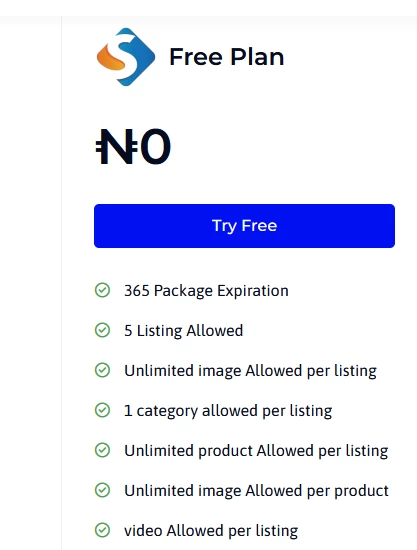
2. On the pricing page, you will see that SEEMEO offers a free plan with access to all features without limitations.


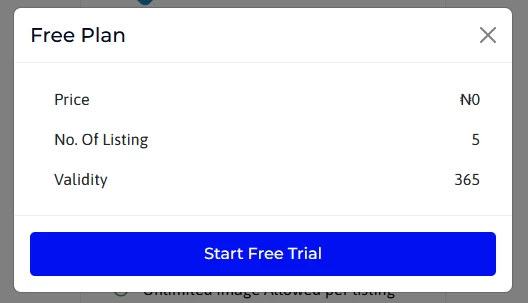
3. Click on the Try Free button, then select Start Free Trial.


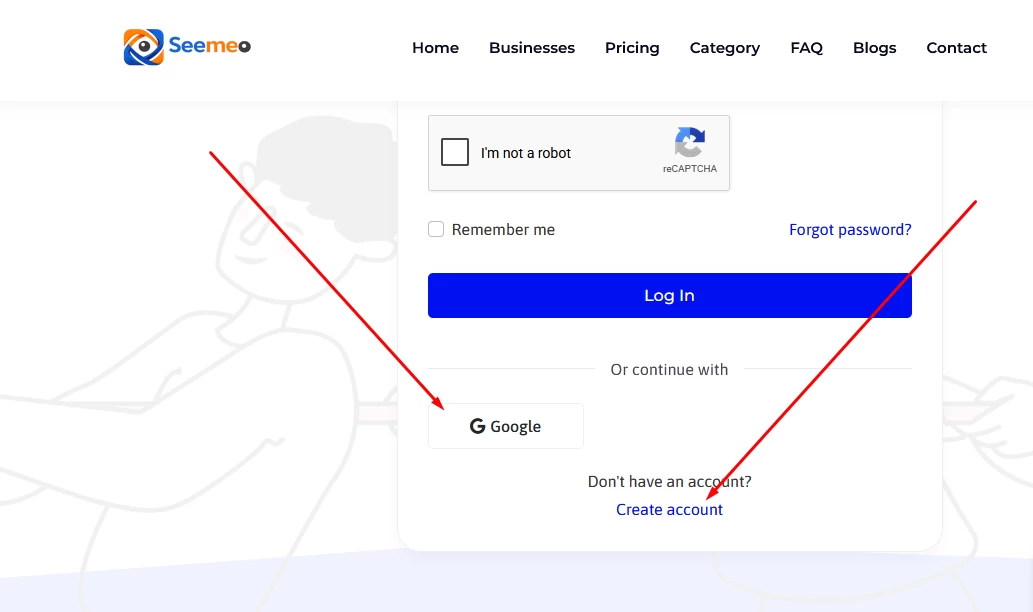
4. You will be redirected to the login page. Since you do not have an account yet, click on the Create Account button. Alternatively if you have already signed into your gmail account with the phone or system you are using, you can use Google sign up button, this will automatically sync with Seemeo system and allows you sign up


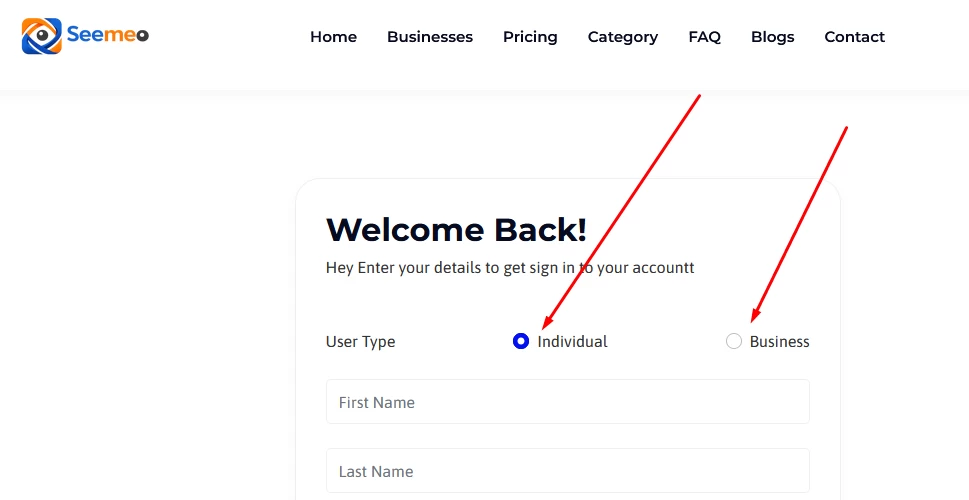
5. You will then be taken to the registration page.

*If your business is not yet officially registered, select Individual.

*If your business is officially registered, select Business.

*Enter your First Name, Last Name, and Username.

(Your username must be written as one word without spaces)

*Enter your email address. (Ensure you use an active email address, as a verification code will be sent to it.)

*Enter your phone number and select your country code from the dropdown menu.

*Create your password and re-enter it for confirmation. (Please note that passwords are case-sensitive. Example: Abc123@)

*Complete the CAPTCHA verification to confirm you are not a robot, then click the Sign Up button.

That’s all.

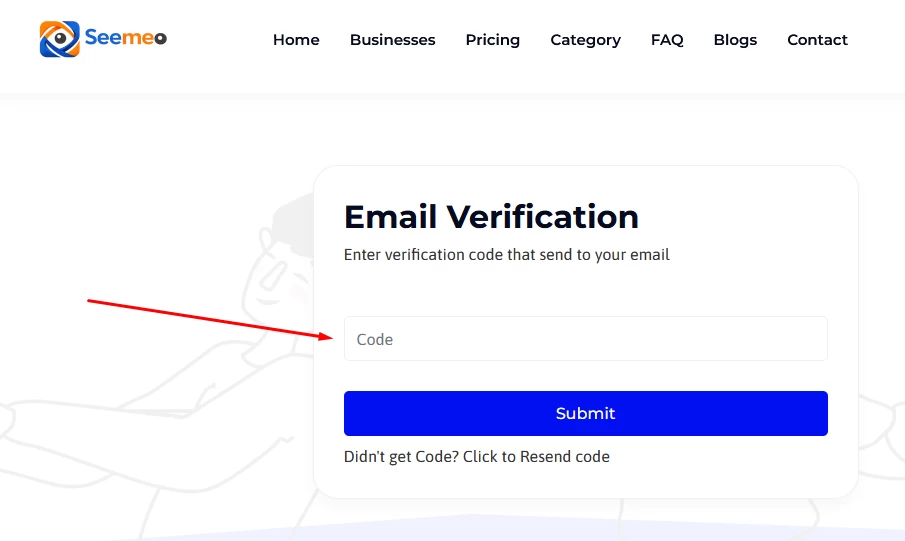
After registration, check your email inbox for the verification code. Copy the code and enter it in the space provided to verify and confirm ownership of your email address.