Cookies & Privacy
This website uses cookies or similar techonoglies to enhance your browsing experience and provide personalized recommendations. By contrinuing to use our website, you agree... Cookie Policy
Read our educative and motivational blogs
 Tutorial
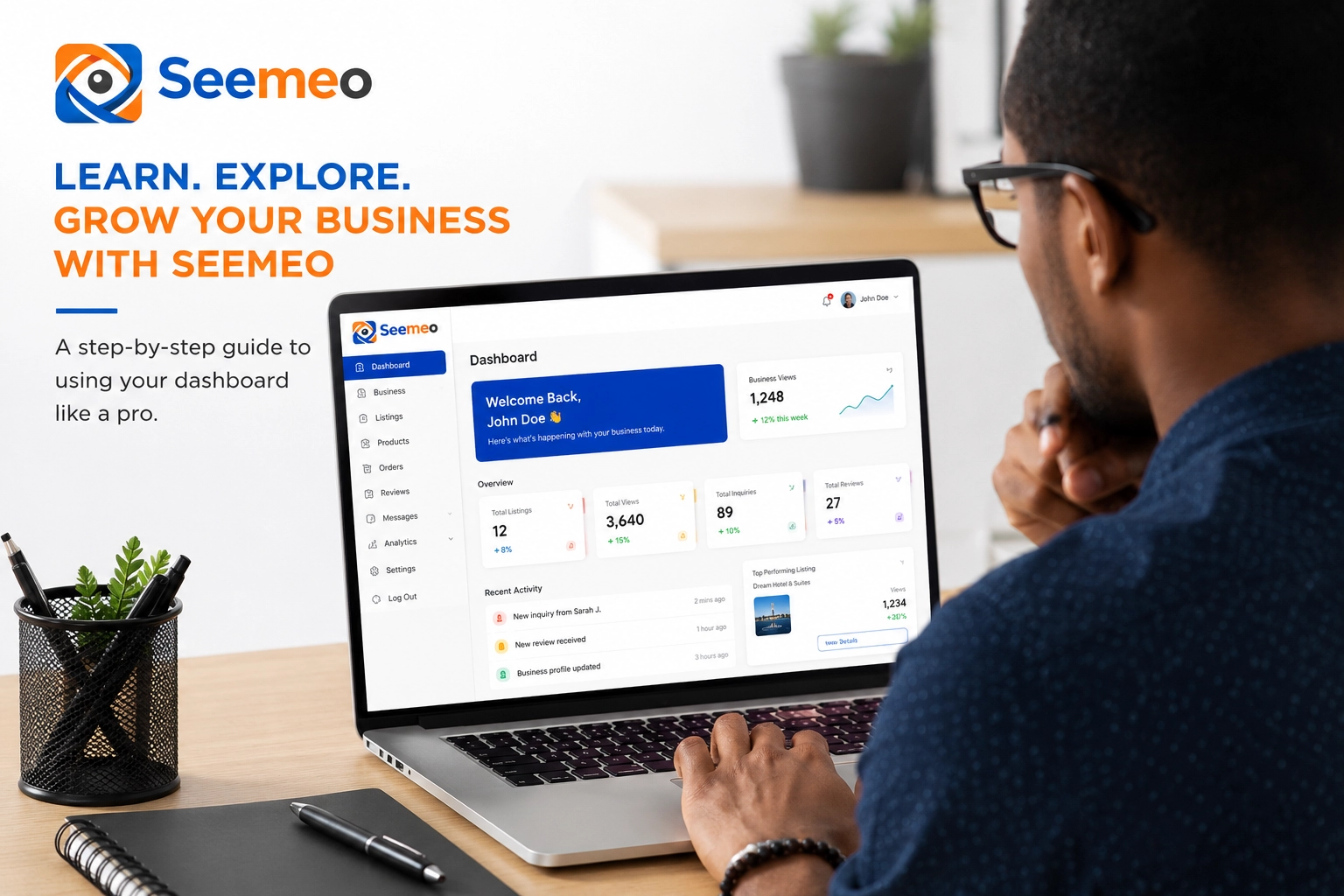
Welcome to SEEMEOThank you for joining SEEMEO.Now that you have successfully signed up, the next step is to list your business on the platform. However, before you can create a business listing, you need to complete your KYC (Know Your Customer) verification.SEEMEO is a trusted platform that takes business verification seriously to ensure credibility, transparency, and trust among users.Please note:You can still use SEEMEO without completing KYC verification, but you will not be able to:List you...
 Tutorial
Welcome to SEEMEOToday, I will guide you through the account registration process.1. Click on the Pricing button on the homepage.2. On the pricing page, you will see that SEEMEO offers a free plan with access to all features without limitations.3. Click on the Try Free button, then select Start Free Trial.4. You will be redirected to the login page. Since you do not have an account yet, click on the Create Account button. Alternatively if you have already signed into your gmail account with the...
This website uses cookies or similar techonoglies to enhance your browsing experience and provide personalized recommendations. By contrinuing to use our website, you agree... Cookie Policy

Email Newsletter